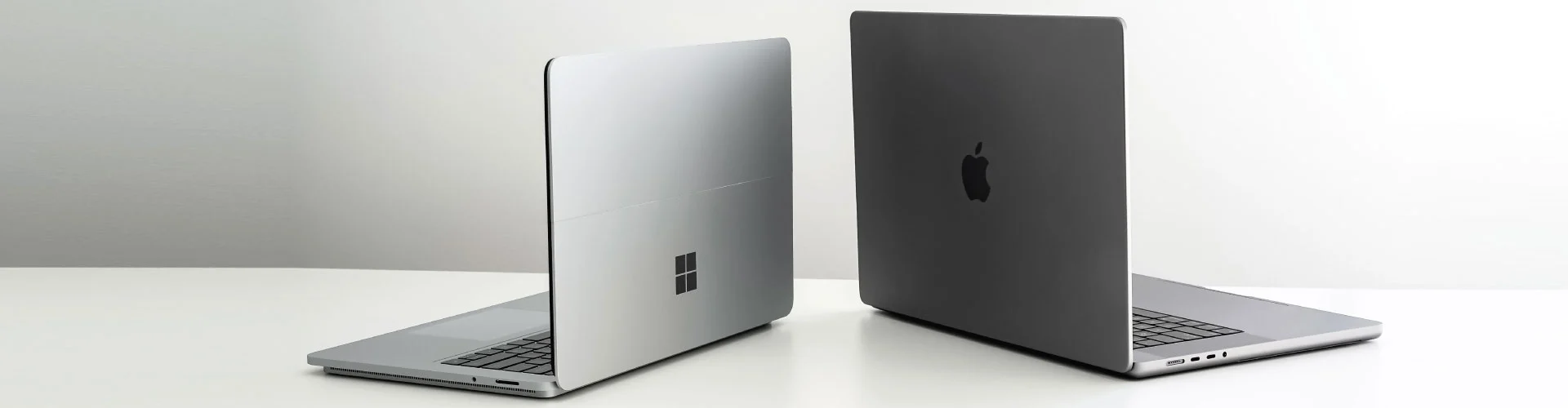
You bought a laptop for your homeschooler. Now what?
Getting reimbursed through Arizona’s Empowerment Scholarship Account (ESA) isn’t complicated—but there are specific steps you need to follow.
Let’s walk through the exact process.
What Qualifies under Arizona ESA reimbursement technology: computers, laptops, & more
Before you buy anything, confirm it’s eligible:
Approved devices include:
- Personal computers and laptops
- Tablets (including iPads)
- Calculators
- Printers
- Microscopes and telescopes
- Accessories like keyboards and styluses for tablets
Not approved:
- Televisions
- Telephones or smartphones
- Video game consoles (including PlayStation or Xbox)
- Home theater equipment
Pro tip: If you’re unsure whether something qualifies, contact the ESA team at 602-364-1969 before you purchase, or you can go through the Arizona ESA-approved technology devices list 2025.
Step-by-Step: The Reimbursement Process
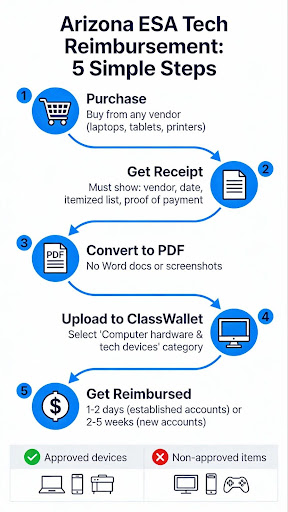
Step 1: Make Your Purchase
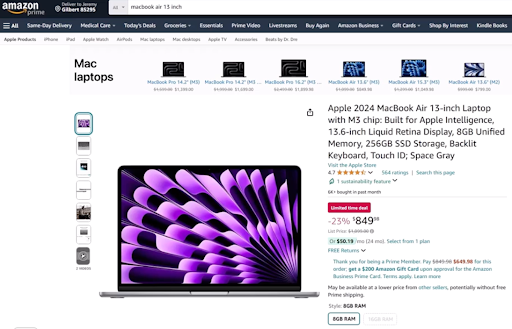
Buy your laptop or tablet from any vendor—Amazon, Best Buy, Apple, or a local retailer. There’s no brand restriction.
Step 2: Get a Proper Receipt
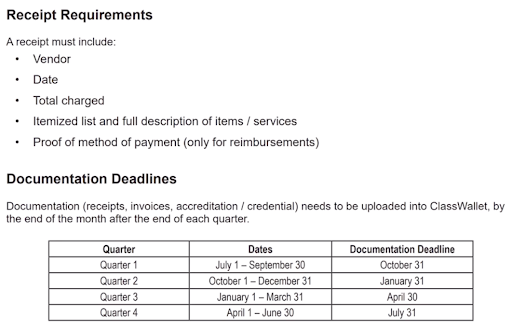
This is critical. Your receipt must include:
- Vendor name (Amazon, Best Buy, etc.)
- Purchase date
- Total amount charged (including sales tax)
- Itemized list with full descriptions of each item
- Proof of payment (credit card statement, bank record, or payment confirmation)
Step 3: Convert Receipt to PDF
ClassWallet (Arizona’s ESA payment platform) only accepts PDF files—not Word documents. Save or scan your receipt as a PDF before uploading.
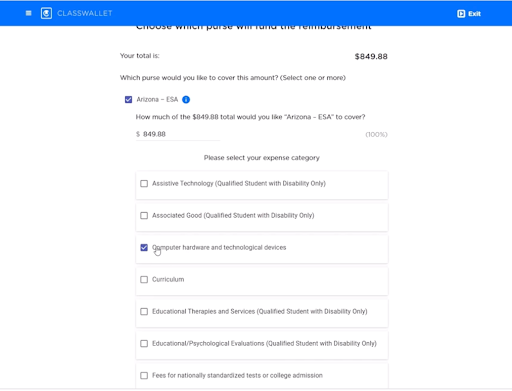
Step 4: Submit Through ClassWallet
Log in to your ClassWallet account and click “Start New Reimbursement”.
Enter:
- Store name (example: amazon.com)
- Final price (including tax)
- Upload your PDF receipt
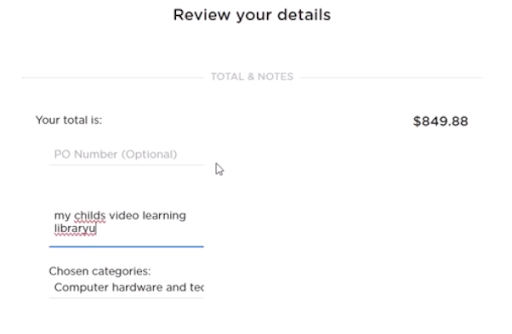
Then select the category: “Computer hardware and technological devices”.
Step 5: Add Notes (Optional)
If you’re buying something that might need explanation, like a specialized microscope, add a brief comment explaining its educational purpose.
Hit submit. Done.
Special Scenario: Multiple Kids, One Receipt
Bought three laptops for three ESA students on one receipt? No problem.
Submit that same receipt three times—once per child—and divide the total cost accordingly. You’ll need to do some math to split the sales tax proportionally.
How Long Until You Get Paid?
Reimbursement timelines vary:
- Established accounts: 1-2 days (sometimes same-day)
- New accounts: 2-5 weeks for large purchases like laptops
If you can’t afford to wait weeks for reimbursement, plan accordingly.
The ESA reimbursement process is straightforward once you know the rules. Get a complete receipt, convert it to PDF, and submit it through ClassWallet under the correct category. Just remember: if your purchase seems borderline, call ESA first. It’s easier to ask permission than deal with a denied reimbursement later.

Need Help?
Arizona Department of Education – ESA Program
Phone: 602-364-1969
Email: ESACallCenter@azed.gov
Hours: Monday-Friday, 8 AM – 5 PM
ClassWallet Support
Phone: 1-877-969-5536
Email: help@classwallet.com
Hours: Monday-Friday, 8 AM – 8 PM EST; Saturday, 10 AM – 4 PM EST