
When Sarah received her first Education Savings Account deposit—$7,200 for her two kids—she immediately started shopping for laptops. But three weeks later, her account was flagged. The tablet she’d bought? Not approved. The gaming laptop? Rejected. The smart board for her homeschool room? On hold pending documentation.
She’s not alone. Technology purchases account for roughly $300-$1,500 in average costs across the 12 of 15 states that allow these expenses, yet they’re among the most commonly misunderstood ESA purchases.
What Technology Actually Qualifies
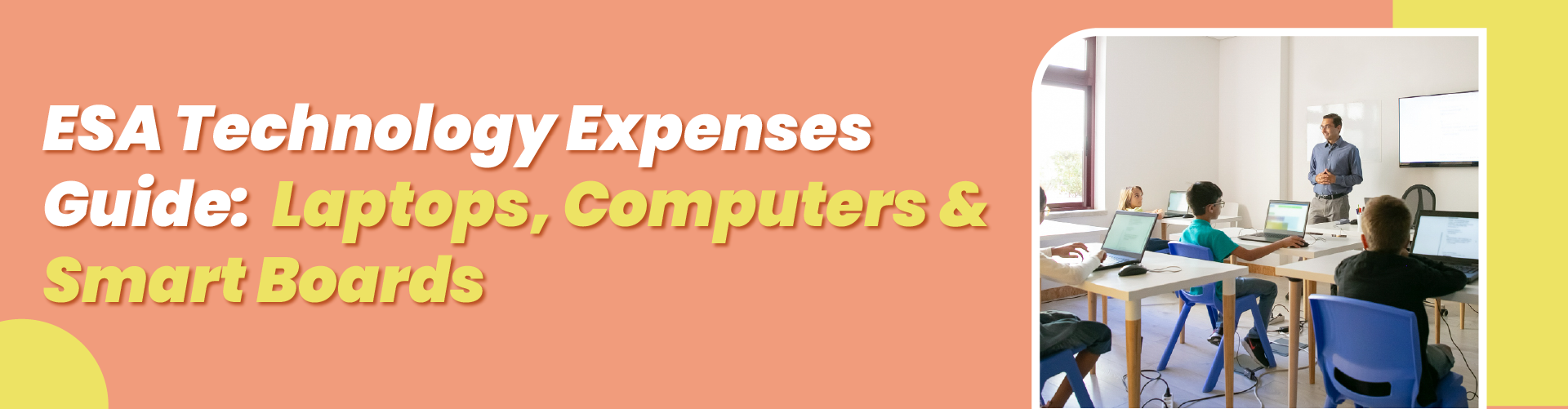
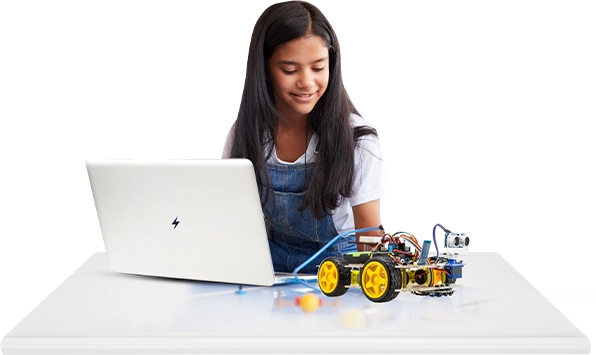
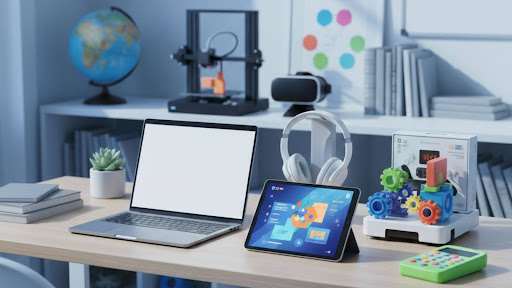
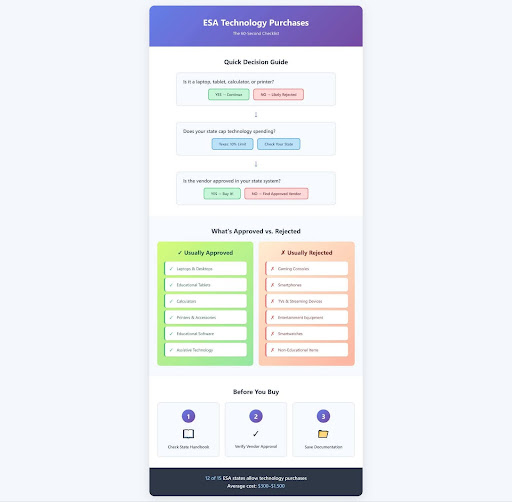
Here’s the clarity most parents need: ESA funds cover calculators, personal computers, laptops, tablet devices, microscopes, telescopes, and printers. But there’s a crucial distinction. Entertainment devices like televisions, telephones, video game consoles and accessories, and home theatre and audio equipment are excluded.
The difference matters more than you’d think.
In Arizona, the nation’s oldest and largest ESA program, families spend roughly 60 percent of ESA dollars on private school tuition, with a growing portion going toward other education services. Technology purchases fall into this “other services” category, and they’re expanding every year.
What’s typically covered:
- Standard laptops and desktop computers for schoolwork
- Educational tablets (iPad, Chromebook)
- Scientific or graphing calculators
- Printers and basic computer accessories
- Assistive technology for students with disabilities
- Educational software and subscriptions
What usually isn’t:
- High-end gaming computers (even if used for coding classes)
- Smartphones or smartwatches
- Entertainment systems or streaming devices
- Accessories without a clear educational purpose
- Items primarily for non-educational use
The Rules Vary More Than You Think
As of 2025, 18 states have established Education Savings Account programs, and each has different technology spending rules.
In Texas, there’s a hard cap: technology purchases are limited to 10% of ESA funds per student. If your child receives $8,000 annually, that’s $800 maximum for computers, tablets, and related items.
North Carolina requires something different: educational technology must be related to vision, hearing, speech communication, learning/cognition/development, computers and related uses, or miscellaneous educational categories. You’ll need to show how the technology supports learning.
Mississippi takes the strictest approach, requiring that computers purchased with ESA dollars be donated to a public school or library once the student is done with them.
Smart Boards and Classroom Equipment: The Gray Area
Here’s where it gets tricky. A $300 used laptop? Usually fine. A $1,500 interactive whiteboard for your homeschool? That depends.
Computer hardware and technological devices must assist in accessing educational materials or services. Many states will approve smart boards, standing desks, or specialized learning equipment—but you’ll need documentation showing educational necessity.
Before buying:
- Check your state’s approved vendor list (most use platforms like ClassWallet)
- Confirm the item appears in allowable expense categories
- Save documentation proving educational use
- Keep receipts for quarterly reporting
The Documentation That Actually Matters
Despite their rapid expansion, there is no empirical research on the effectiveness of ESAs, which means states are still figuring out oversight. Each state has requirements for annual or random audits to prevent fraudulent uses of funds.
Most audits focus on three things:
- Receipts matching approved vendors
- Purchase timing (items must be used in the same school year)
- Clear educational purpose
Parents who struggle with audits typically make one of these mistakes: buying from unapproved vendors, purchasing items before account approval, or failing to upload documentation by quarterly deadlines.
What the Data Shows About Smart Spending
Tutoring, which accounted for just 4% of ESA spending in the early years of Arizona’s program, doubled to 8% of spending in the 2023-2024 school year. Meanwhile, technology purchases have remained steady—but that doesn’t mean parents are spending wisely.
The most effective approach isn’t buying the newest MacBook. It’s thinking strategically about what genuinely supports learning.
Consider this: A $400 laptop plus a $200 subscription to comprehensive learning software often delivers more educational value than a single $600 device. Some families use technology funds for assistive devices—specialized keyboards, text-to-speech software, or adaptive mice—that genuinely transform learning for kids with disabilities.
Four Actions You Can Take This Week
- Review your state’s specific technology rules. Start with your state department of education’s ESA handbook. The rules for Arizona differ significantly from those in Texas or Florida. Find the current allowable expense list and note any caps or restrictions.
- Make a needs-based technology plan. Before shopping, list what your child actually needs for their educational program this year. If they’re enrolled in an online academy, they might need a more robust computer. Homeschoolers might benefit more from a tablet and printer combination.
- Check approved vendor status. Most states use payment platforms like ClassWallet that show pre-approved vendors. Buying from an unapproved vendor—even if the item qualifies—can delay reimbursement or trigger account reviews.
- Set up your documentation system now. Create a folder (digital or physical) for every technology purchase. Include: original receipt, vendor confirmation, proof of educational use, and date of purchase. Upload these within the required timeframe, typically by the end of the month following each quarter.
The bottom line? Your ESA technology budget is real money for real educational tools, but only if you understand the rules before you buy.
Resources for parents:
- National Conference of State Legislatures ESA Policy Tracker: https://www.ncsl.org/education/education-choice-state-policy-scan-education-savings-accounts
- ESA State-by-State Database and Rules: https://www.esatrackerbystate.com/
- Arizona ESA Parent Handbook (example): https://www.azed.gov/esa/
- School Choice USA ESA Expense Guide: https://www.schoolchoiceusa.org/what-can-you-buy-with-esa
- IRS Coverdell ESA Information (federal tax-advantaged accounts): https://www.irs.gov/taxtopics/tc310
- EdChoice Research on ESA Programs: https://www.edchoice.org/what-are-education-savings-accounts-esas-and-how-do-they-work/
- RAND Corporation ESA Research Reports: https://www.rand.org/pubs/research_reports/RRA3431-2.html
Moonpreneur is on a mission to disrupt traditional education and future-proof the next generation with holistic learning solutions. Its Innovator Program is building tomorrow’s workforce by training students in AI/ML, Robotics, Coding, IoT, and Apps, enabling entrepreneurship through experiential learning.